Snorly vs SnoreClock: Clips or the Whole Night?
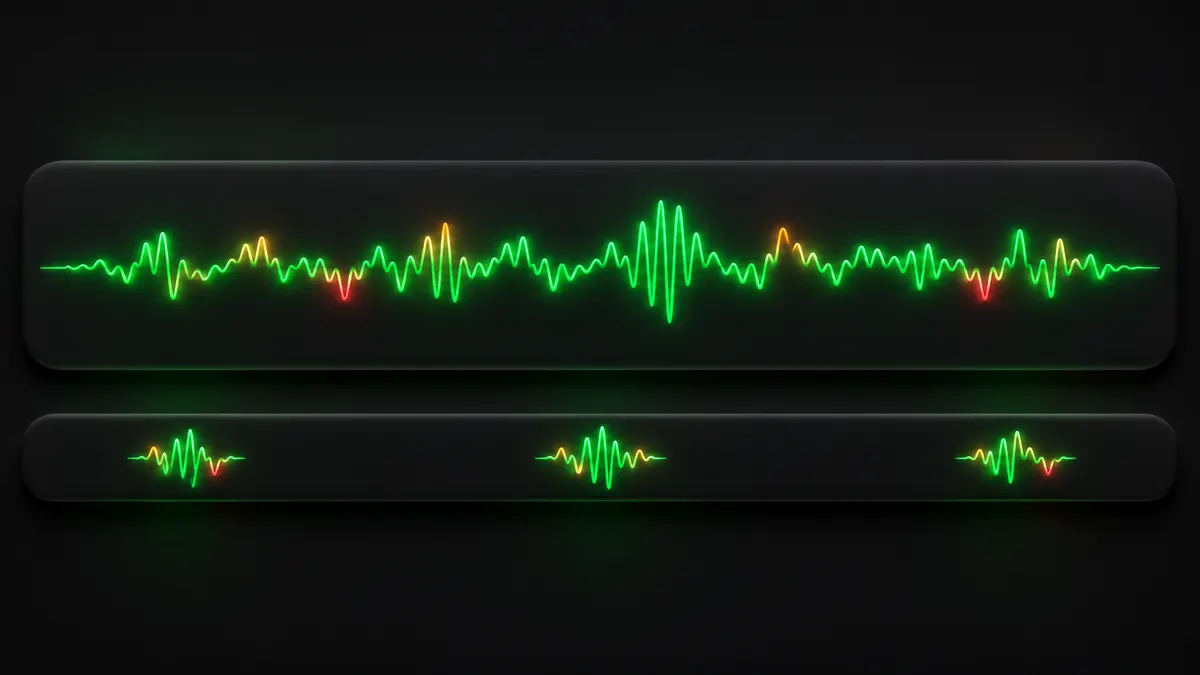
SnoreClock and Snorly are both small, private snore apps for iPhone, and the choice comes down to two things. SnoreClock costs a one-time $9.99 and records the whole night, up to 11 hours. Snorly costs nothing to record and play back, and it keeps the clips with snoring, sleep talk and coughs. Pick SnoreClock if you want the full tape and one payment. We make Snorly, so read this as one side's comparison and check the rows yourself.
- SnoreClock is a paid app at $9.99 with no in-app purchases; Snorly is free, with Premium at $24.99 a year or a one-time lifetime purchase (US App Store, 4 November 2026).
- SnoreClock has 4.6 stars from 60 US ratings and Snorly has 12, so neither has much public track record yet.
- SnoreClock carries the "Data Not Collected" privacy label: no registration, no tracking, no cloud storage.
- SnoreClock has published validation against sleep-lab recordings (Chiang 2021). Snorly has no published validation yet.
- Neither app can diagnose sleep apnea. SnoreClock's listing says it is not a medical device, and neither is Snorly.
Side by side
| Feature | Snorly | SnoreClock |
|---|---|---|
| Main job | Snore recorder that keeps clips | Whole-night recorder with snore detection |
| Platform | iPhone | iPhone, Android |
| What it keeps | Detected snoring, sleep talk and cough clips; full night with Premium | The whole night, up to 11 hours |
| Morning review | Tap a clip on the timeline | Pinch and drag a chart, tap to listen |
| Cost to hear your snoring | Free, every night | $9.99 once |
| Score | 0–100 snore score, higher is better | No score; volume chart |
| Loudness | Four bands per clip | Volume across the recording |
| Other sounds | Sleep talk and coughs | Marks talking, whispering and coughing |
| Breathing flags | Pauses and gasps per hour, to discuss with a doctor | No |
| Comparing nights | Tag remedies, compare with and without (Premium) | Compare recordings over time |
| Doctor report | PDF report (Premium) | No |
| Account | None | None |
| Where audio lives | On the phone, unless you share a clip | On the phone, no cloud |
| Privacy label | Usage data used to track you; audio not listed | Data Not Collected |
| Published validation | Not yet | Chiang 2021 |
| Pricing | Free every night. Premium $24.99 a year or one-time lifetime | $9.99 once, no in-app purchases |
SnoreClock's rows come from its App Store listing on 4 November 2026. If something changed, tell us and we will update the row.
What is SnoreClock?
SnoreClock is a paid snore recording app from an independent developer. You press a red button at bedtime and again in the morning, and it records up to 11 hours, highlights likely snoring and shows volume across the night. Everything stays on the phone. It has no account, no subscription and no ads, and it stops by itself on low battery.
The design is deliberately plain. You get a chart you can zoom and drag, and you tap anywhere to listen. There is no score to chase and no remedy library. Its last App Store update was in February 2026.
Is SnoreClock accurate?
For a small app, SnoreClock has unusually good evidence. A 2021 study compared its detection with sleep-lab recordings and found good agreement, which is more than most snore apps can show. As with every phone app, results depend on the setup: loud snoring in a quiet room is easy, and quiet snoring next to a fan is hard.
We have not published a validation of Snorly. If lab-checked detection matters most to you, that is a point for SnoreClock. Both apps let you check for yourself, because you can listen to what was detected.
Clips or the whole night: which do you need?
Clips are enough for most people. If you want to know whether you snore, how often and how loudly, a timeline of clips answers it in about a minute. Whole-night audio earns its place when you want to hear what comes between the snores, such as a long silence or a gasp, or when a sound falls below a detection threshold.
The cost of a whole night is storage and time. Eleven hours of audio takes far more space than a handful of clips, and you only benefit if you know where to look. Snorly offers full-night audio with Premium, so you can start with clips and add it later.
Where SnoreClock is the better choice
Pick SnoreClock if you refuse subscriptions and want one payment for everything. It suits you if you prefer the complete recording to an app's selection, if you value published validation, or if you use Android. Its privacy label is as clean as a label gets, and cleaner than ours.
Where Snorly is the better choice
Pick Snorly if you want to hear your snoring without paying first. Recording, playback of every clip, the score, the timeline, breathing flags and your history are free with no night limit. You get a number each morning and a timeline you can show a partner in seconds.
Snorly also goes further when you start fixing the snoring. Premium compares nights with and without a remedy and makes a PDF for a doctor. Snorly has few ratings so far and no Android app, so if either matters, SnoreClock is the safer pick.
What about SnoreLogic and AutoSnore?
Two other small apps come up in the same searches. SnoreLogic is free and tied to a mouthpiece, while AutoSnore is the cheapest one-time option. Neither is a direct copy of SnoreClock, and each suits a different person.
SnoreLogic comes from Passion For Life Healthcare, a UK company, and supports its SnoreLogic mouthpiece. Its listing says the app and all its features are free with no ads. It reports snoring frequency, volume and a Breathing Disruption Index, lets you listen to some of your snores, and includes a setup program for the SnoreLogic mouthpiece. It has 3.9 stars from 7 US ratings. Its privacy label lists email, name, health data and audio data linked to you, which is the opposite of SnoreClock.
AutoSnore costs a one-time $4.99, from the team behind AutoSleep. It has 4.3 stars from about 1,400 US ratings and the "Data Not Collected" label. It sorts sounds by type and gives a "Snurk" score, where lower is better.
The SnoreLab alternatives page compares more one-payment and free options, and the sleep recorder comparison sorts seven apps by what they keep.
How to compare them in three nights
- Put both on the nightstand if you have two phones, 0.5 to 1 m from your head, both plugged in. With one phone, alternate nights.
- Record three nights without changing anything else: same pillow, same side of the bed, no alcohol.
- In the morning, count the snoring you can hear in each app, and note how long the review took.
- Keep the app you actually opened.
Hear your own snoring tonightSnorly records only when it hears snoring and plays it back in the morning. Free, no account, no night limit.
Download on the App StoreRelated questions
Is SnoreClock free?
No. SnoreClock is a paid app at $9.99 in the US App Store, with no in-app purchases and no subscription. You pay once and get everything. Snorly and SnoreLogic are free alternatives; the difference is in what each one keeps and what it collects.
Is SnoreClock better than SnoreLab?
It is simpler, cheaper over time and more private, and it has its own sleep-lab validation. SnoreLab has more features, including trends, remedy tagging and BreathFlow. Compare them with is SnoreLab free if the price is your reason for looking.
Does SnoreClock work on Android?
Yes, SnoreClock also has an Android version. Snorly is iPhone only. On Android, SnoreLab and SnoreClock are the usual starting points.
What is the best one-time purchase snore app?
SnoreClock at $9.99 for the whole night, or AutoSnore at $4.99 for sorted sounds and a score. Snorly offers a one-time lifetime option too, but only for Premium extras, because recording and playback are already free.
Can SnoreClock detect sleep apnea?
No. It records sound and detects snoring. Its listing says it is not a medical device. A recording of snoring, silence and then a gasp is worth playing to a doctor, and snoring vs sleep apnea shows the pattern.
Sources
- SnoreClock - Do you snore? US App Store listing, id 673980122 (accessed 4 November 2026). https://apps.apple.com/us/app/id673980122
- SnoreLogic: Manage Snoring. US App Store listing, id 1538605639 (accessed 4 November 2026). https://apps.apple.com/us/app/id1538605639
- AutoSnore: Snoring Recorder. US App Store listing, id 6746705608 (accessed 4 November 2026). https://apps.apple.com/us/app/id6746705608
- Snore Tracker & Recorder App (Snorly). US App Store listing, id 6743162754 (accessed 4 November 2026). https://apps.apple.com/us/app/id6743162754
- Chiang et al. (2021). Smartphone snore detection (SnoreClock) validated against sleep-lab recordings. PMC8857100. https://pmc.ncbi.nlm.nih.gov/articles/PMC8857100/
Snorly is a snore recorder and tracker, not a medical device. It does not diagnose sleep apnea or any other condition. If you notice pauses in breathing, gasping or daytime sleepiness, talk to a doctor.