Snore Detection App for iPhone: On-Device, No Account
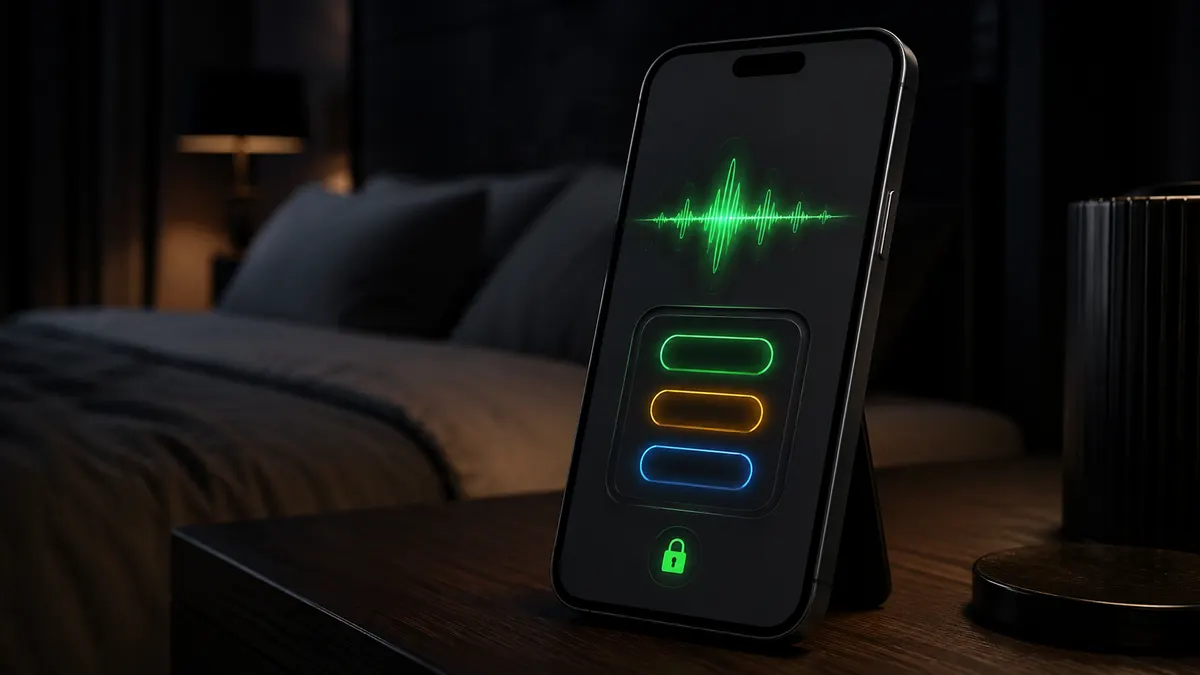
A snore detection app listens through the phone's microphone all night, decides in real time which sounds are snoring, and keeps only those seconds. Snorly does that on the iPhone itself: the classifier runs on the device, the clips stay on the device, and there is no account to create. In the morning you get a timeline of the night with every snoring clip on it, a loudness label for each, and a score.
- Snorly classifies sound on the iPhone with Apple's on-device sound analysis; no audio is uploaded, and the app works with the phone in Airplane Mode (our data).
- A night is stored as short clips of detected snoring, sleep talk and coughing, so eight hours in bed usually take a few megabytes, not the 200 MB an 8-hour voice memo does (our data).
- Phone-based snore detection agrees closely with manual counts for loud snoring and less well for quiet snoring in noisy rooms in published validation studies (Chiang 2021; Figueras-Alvarez 2020).
What does a snore detection app actually do?
Three things, in order. It listens without recording everything: a sound classifier runs on each second of microphone input and asks "is this snoring?". When the answer is yes, it saves that stretch as a clip with a time stamp and a loudness value. And in the morning it lays the clips on a timeline so you can see when the snoring happened, how loud it was, and press play on any of them.
That last step is the one that matters. A score alone is a number you have to trust. A clip at 03:12 labelled Severe is something you can hear, and something a partner can hear too.
What does Snorly detect?
| Sound | Kept as a clip | Shown as |
|---|---|---|
| Snoring | Yes | Bars on the night timeline, four loudness bands from Quiet to Severe |
| Sleep talking | Yes | Separate clips, labelled, not counted in the score |
| Coughing | Yes | Separate clips, labelled, not counted in the score |
| Breathing pauses and gasps | Flagged on the timeline | A count per hour, marked as something to discuss with a doctor |
| Silence, fan, traffic | No | Nothing is stored |
The breathing flags are a pattern detector, not a diagnosis. Snoring that builds, stops for ten seconds or more, then returns with a gasp is what the app marks. Whether that was an apnea, and whether your oxygen dropped, is what a sleep study measures and what no phone app can tell you. The difference is spelled out in snoring vs sleep apnea.
How does on-device detection work, and why does it matter?
The classifier is a small model that runs on the phone's own chip. Each second of audio goes in, a label comes out, and the audio for that second is either saved as part of a clip or dropped. Nothing waits for a server, so detection works with no signal, and nothing about your bedroom leaves the phone unless you tap Share on a clip yourself.
Two practical effects follow. Battery: recognition on the phone is cheap enough that a night on the charger costs nothing noticeable. Privacy: there is no account, no upload and no cloud library of your nights. Audio does not appear in Snorly's App Store privacy label at all; what the label does list is anonymous usage data and identifiers for analytics and App Store attribution, the same categories most apps in this list carry.
How accurate is snore detection on a phone?
Good for loud snoring, weaker for quiet snoring in a noisy room. A 2021 validation of a smartphone snore app against manual scoring found high agreement for snoring detection (Chiang et al. 2021), and a 2020 study of SnoreLab on three different phones found consistent results between devices for the same nights (Figueras-Alvarez et al. 2020). Neither study used Snorly; the finding is about the method, which Snorly shares.
What moves the numbers is placement, not the app. Half a metre to a metre from your head, on the nightstand, face down, no fan blowing across the phone, the same spot every night. The loudness bands are relative to what the microphone picks up, so a phone that moves between nights produces labels that cannot be compared. Setup details are in how to record yourself snoring.
What does it cost?
Detection, every clip, the nightly score, the timeline, breathing flags and your full history are free, every night, with no night limit and no ads. Premium is only for the extras: full-night audio, comparisons of nights with and without a remedy or a factor, the PDF report for a doctor and Apple Health import. It is a subscription or a one-time lifetime purchase, priced in the app for your country. The full breakdown against other apps is on the free snoring app page.
How to run it tonight
- Install Snorly, open it, skip nothing: there is no account to create.
- Put the iPhone on the nightstand, 0.5 to 1 m from your pillow, face down, plugged in.
- Tap record and sleep. The screen dims to a bedside clock.
- In the morning, tap the tallest bar on the timeline and listen. That clip is your answer to "do I snore?".
Hear your own snoring tonightSnorly records only when it hears snoring and plays it back in the morning. Free, no account, no night limit.
Download on the App StoreRelated questions
Is there an app that detects snoring automatically?
Yes. Snorly, SnoreLab, SnoreClock and several others detect snoring from the microphone and save only the snoring. The differences are where the detection runs, what you can play back without paying, and whether an account is required. See best snoring apps.
Does snore detection work with a fan or white noise on?
Usually, for moderate and loud snoring. Steady broadband noise raises the floor the classifier has to hear over, so quiet snoring gets missed first. Point the fan away from the phone and keep the phone on the side of the bed away from it.
Can a snore detection app detect sleep apnea?
It can detect the sound pattern that goes with it: snoring, silence for ten seconds or more, then a gasp. It cannot measure oxygen or confirm an apnea. Treat a flagged night as a reason to see a doctor, not as a result.
Does it need internet?
No. Detection, storage and playback all happen on the phone. Internet is only used for the App Store purchase if you buy Premium.
Sources
- Chiang JK, Lin YC, Lin CW, et al. (2021). Validation of snoring detection using a smartphone app. Sleep and Breathing. https://doi.org/10.1007/s11325-021-02359-3
- Figueras-Alvarez O, Cantó-Navés O, Real-Voltas F, et al. (2020). Snoring intensity assessment with three different smartphones using the SnoreLab application in one participant. Journal of Clinical Sleep Medicine. https://doi.org/10.5664/jcsm.8586
Snorly is a snore recorder and tracker, not a medical device. It does not diagnose sleep apnea or any other condition. If you notice pauses in breathing, gasping or daytime sleepiness, talk to a doctor.